
The most common data breach in IT disposal is not a sophisticated attack. It is a well-meaning member of staff who dragged some folders to the recycle bin, emptied it, and considered the laptop clean.
Here is what actually happened to that data, and why the machine is still carrying every byte of it.
What pressing delete really does
A file system is essentially an index. When you delete a file, the operating system removes the index entry and marks the space it occupied as available for reuse. The file's actual contents are untouched — they sit exactly where they were until something else happens to be written over them.
On a lightly used drive that may not happen for months, or ever. Recovery software simply ignores the index and scans the raw disk for file signatures. Free tools do this well, and they do not require any particular skill to operate.
Why formatting doesn't help either
A standard 'quick' format rebuilds the file system structure. It does not touch the data area. The drive reports as empty because the index says so, while the contents remain intact underneath.
A full format is better on modern versions of Windows, which write zeros across the drive during the process — but it produces no verification and no record. You have no evidence it completed correctly, no per-device certificate, and no way to demonstrate any of it to an auditor eighteen months later.
Factory reset: better, but not sufficient on its own
Modern laptops and phones with encryption enabled handle reset far better than older equipment did. If the device was encrypted, a reset that destroys the encryption key renders the remaining data unreadable — cryptographic erasure, and it is a legitimate technique.
The problem is verification. To rely on it you need to know that encryption was genuinely enabled on that specific device, that the reset actually destroyed the key, and that the implementation did what the vendor documentation claims. Across a fleet of a hundred mixed-age machines, nobody knows that for all hundred.
The places data hides after a wipe
Even a genuine erasure of the main drive can leave data behind, because the main drive is not the only storage in the building:
- Multifunction printers and copiers — internal hard drives caching every document scanned, printed or faxed
- Secondary and cache drives inside desktops that nobody remembered were fitted
- RAID arrays where a single failed disk was swapped out years ago and left in a drawer
- Backup tapes, external drives and USB media in the same cupboard as the equipment
- Network appliances, VoIP handsets and conferencing units holding configuration and credentials
- Embedded storage in point-of-sale terminals, handheld scanners and industrial equipment
What to do instead
The workable approach for a business is not to do it yourself under time pressure at the end of a refresh. It is:
- 1Treat every device as data-bearing until it has been checked — including printers, peripherals and anything with embedded storage.
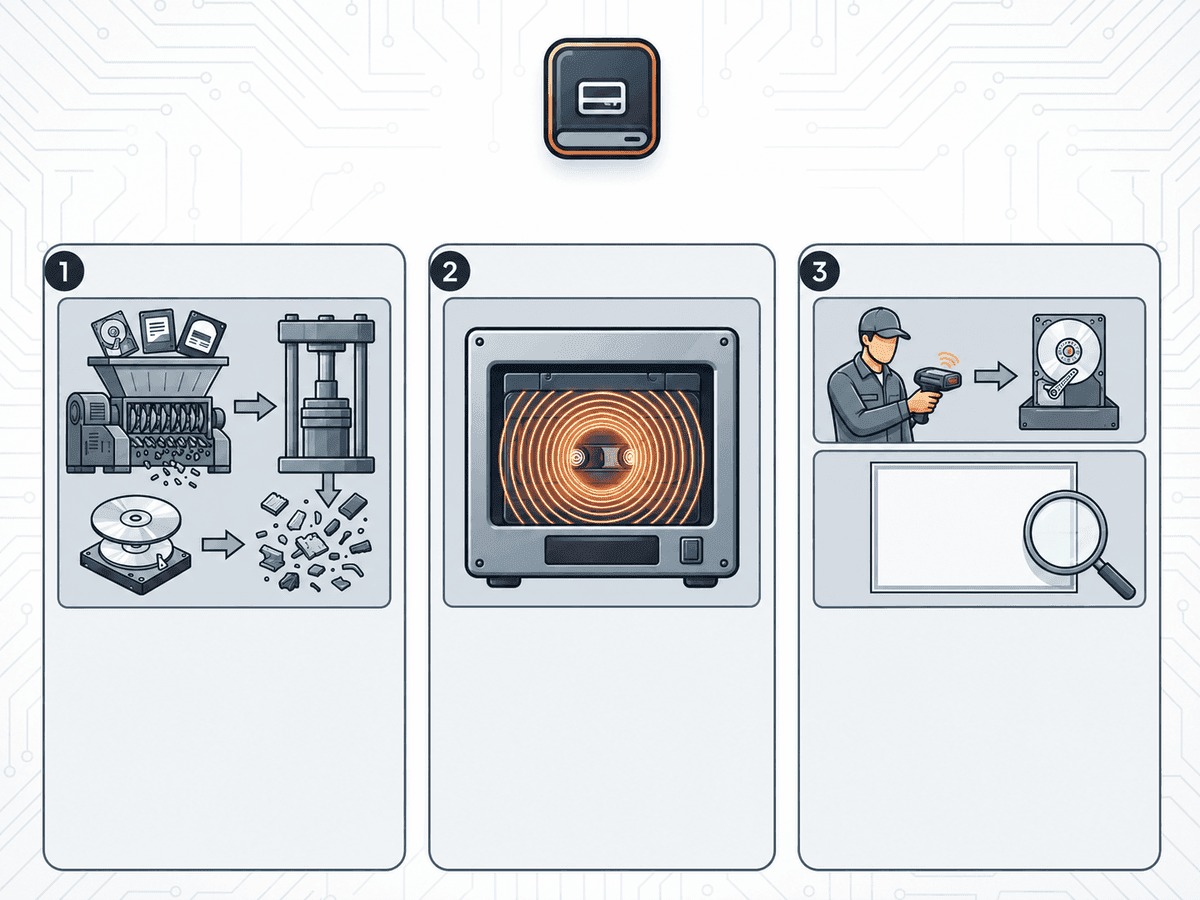
- 2Use verified erasure against a recognised standard, or physical destruction where erasure is not possible.
- 3Get a certificate per serial number, not per collection.
- 4Reconcile those certificates against your own asset register, so you can see that the count going out matches the count destroyed.
- 5Keep the records for as long as your audit and retention policy requires — which is usually longer than you think.
The reason to hand this to a provider is not that erasure is technically difficult. It is that doing it consistently across every device, verifying each one, and producing durable evidence for all of them is a process — and processes are what fail when the office move is on Friday.
Frequently asked questions
Only if you can confirm the device was encrypted and that the reset destroyed the key — and can evidence that afterwards. Across a mixed fleet you generally cannot, which is why verified erasure with a per-device certificate is the safer default.