
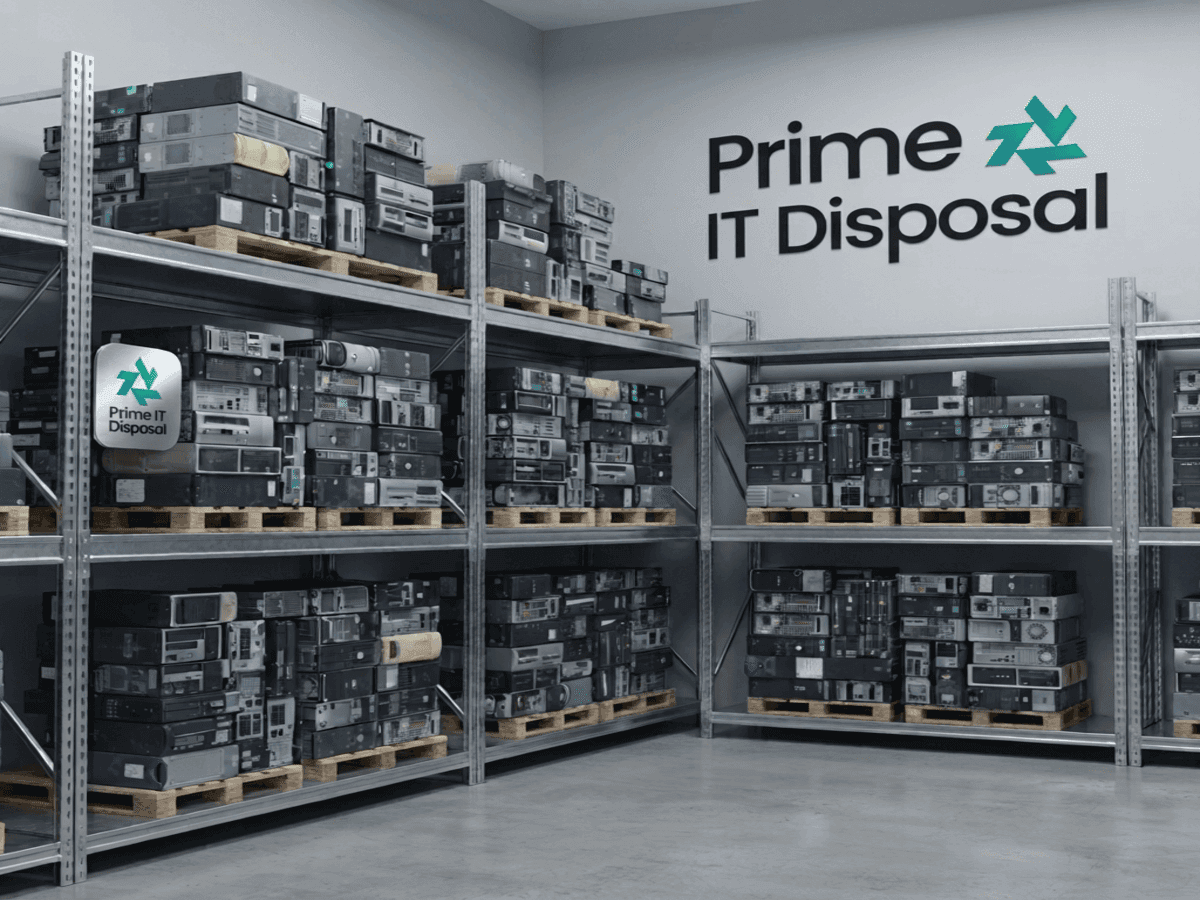
Corporate IT disposal is rarely anyone's job until it suddenly is. A refresh finishes, an office closes or a storeroom fills up, and someone is asked to make the old equipment go away — safely, legally and preferably without cost.
This guide sets out how to do that properly, in the order it actually happens: working out what you have, deciding what happens to the data, meeting your legal duties, choosing a provider, and keeping the evidence that proves it was all done correctly.
Step 1: Build an inventory before anything moves
Every later step depends on knowing exactly what is being disposed of. Without a list, there is nothing to reconcile the provider's paperwork against — and no way to prove that a particular laptop was destroyed rather than lost.
- Record the device type, make, model and serial number or asset tag for every item.
- Mark which items are data-bearing. Include the ones people forget: printers and copiers with internal drives, network storage, phones, handheld scanners and embedded industrial PCs.
- Note where each item is, and any access constraints — floors, lifts, loading bay bookings.
- Flag anything subject to a specific policy, such as drives that must not leave the building intact.
Step 2: Decide what happens to the data
Deleting files and formatting drives does not remove data. There are three recognised ways to deal with it properly, and the right one depends on the device and your policy:
- Certified software erasure — overwrites or firmware-sanitises every sector, then verifies the result. The hardware survives, so it can be reused or resold.
- Degaussing — erases magnetic media such as hard drives and tapes with a strong magnetic field. It does nothing to SSDs or flash storage.
- Physical destruction — shredding or crushing, for failed drives, the most sensitive data, or wherever policy requires it.
Whichever method is used, each data-bearing device should end up with its own certificate recording its serial number, the method, the verification result, who did it and when.
Step 3: Understand your legal duties
Two sets of rules apply to the same equipment at the same time, enforced by different regulators.
Data protection: UK GDPR and the Data Protection Act 2018
Personal data must be kept secure until it is destroyed, and you must be able to demonstrate that it was. In practice that means using a provider who acts as your data processor under a written contract, and keeping per-device destruction certificates as evidence.
Environmental: WEEE and the duty of care
Business IT equipment is WEEE when you dispose of it, and it must go through authorised routes — never general waste or landfill. Under section 34 of the Environmental Protection Act 1990 you must check your carrier is registered, describe the waste accurately and keep the waste transfer notes. That responsibility stays with you even after the equipment has left your site.
Step 4: Choose the right provider
Most of the risk in IT disposal sits in the choice of provider. The questions that separate a genuine operator from a broker are simple to ask:
- 1What is your waste carrier registration number? Then check it on the Environment Agency public register.
- 2Are you registered with the ICO, and will you sign a data processing agreement?
- 3Do you collect with your own staff and vehicles, or subcontract?
- 4Where is the equipment processed, and can we visit?
- 5What exactly appears on a destruction certificate?
- 6How are rebates for resold equipment calculated and reported?
Step 5: Plan the collection
A well-run collection is itemised on site, sealed and tracked in transit, and reconciled again on arrival at the processing facility. Tell the provider about access constraints in advance — loading bays, lift weight limits, parking — so the crew can plan around them rather than discover them.
For organisations with several sites, a scheduled programme that clears every site in sequence is usually cheaper than separate one-off collections, and keeps equipment from accumulating in unsecured storerooms between refreshes.
Step 6: Recover value, then recycle the rest
Corporate hardware often still has a second life. Laptops, servers, networking kit and phones typically keep resale value for several years, and a provider that remarkets working equipment should return the net proceeds to you as an itemised rebate.
Whatever cannot be reused should be broken down into clean material streams — metals, plastics, glass, circuit boards — through licensed reprocessors, with the weights reported so you can use them in your own environmental reporting.
Step 7: Keep the evidence
When the job is finished you should hold a complete audit pack that reconciles against your original inventory:
- Itemised asset register, by serial number
- A certificate of data destruction for every data-bearing device
- Waste transfer note for the collection — keep for at least two years
- Hazardous waste consignment note where batteries or CRTs were involved — keep for at least three years
- Rebate statement for anything resold, and a reuse and recycling breakdown
Frequently asked questions
Inventory the equipment, have every data-bearing device certified-wiped or physically destroyed, use a registered waste carrier for collection, and keep the asset register, destruction certificates and waste transfer notes as evidence.