
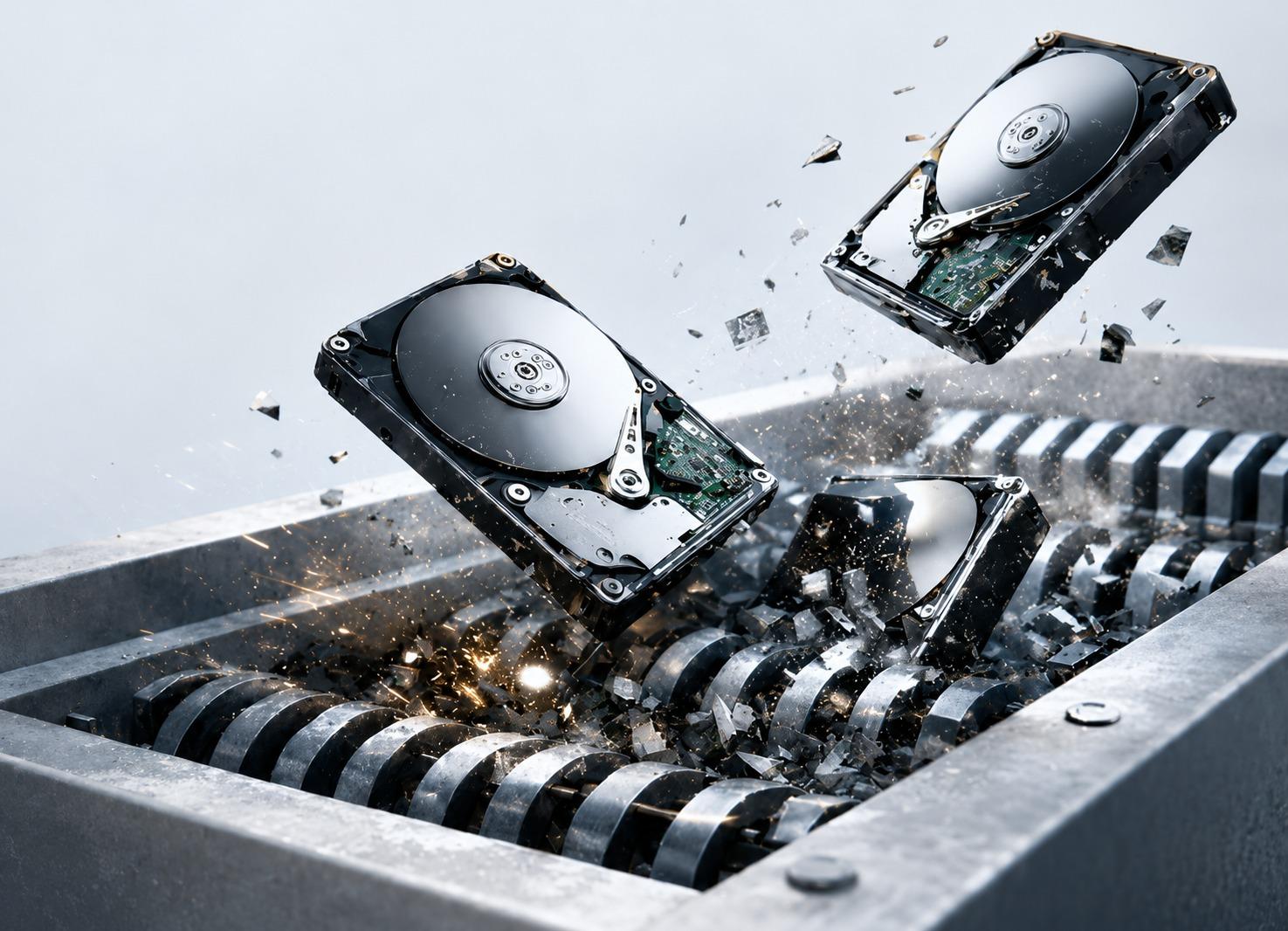
UK GDPR doesn't have a section called "hardware disposal". What it does have are general obligations that apply with full force at the moment a device holding personal data leaves your control — and a data breach from a discarded laptop is treated no differently from one caused by a hack.
This checklist turns those obligations into practical steps. Work through it before any collection, and keep the completed version with the disposal records.
What UK GDPR requires, in plain terms
- Security (Article 5(1)(f) and Article 32): personal data must be protected against unauthorised access and loss until it is destroyed — including while the device is in storage and in transit.
- Storage limitation (Article 5(1)(e)): data shouldn't be kept longer than needed. Old devices sitting in a cupboard still hold data you no longer have a reason to keep.
- Accountability (Article 5(2)): you must be able to demonstrate compliance. "We used a reputable company" is not evidence; a per-device destruction certificate is.
- Processors (Article 28): a disposal provider handling your data-bearing equipment is acting as your processor and needs a written contract setting out their obligations.
Checklist: before collection
- 1List every device to be disposed of, with serial numbers, and mark which ones hold data.
- 2Include the easily missed devices: copiers and MFDs, NAS boxes, phones, tablets, USB drives, backup tapes and embedded or industrial PCs.
- 3Keep devices awaiting disposal in a locked, access-controlled area — not an open storeroom.
- 4Check the provider's ICO registration and Environment Agency waste carrier registration on the public registers.
- 5Put a data processing agreement in place with the provider.
- 6Agree the destruction method for each device type, in line with your own data retention and security policies.
- 7Decide whether any drives must be destroyed before they leave your site.
Checklist: during collection and destruction
- 1Devices are itemised and scanned on your premises before they move, and you keep a signed copy of the list.
- 2Equipment travels sealed, in a tracked vehicle, handled by the provider's own vetted staff.
- 3Arrival at the facility is reconciled against the collection list, with any discrepancy reported to you immediately.
- 4Every data-bearing device is certified-wiped and verified, or physically destroyed. Any drive that fails verification is destroyed, never resold.
- 5SSDs and flash storage are treated with methods that work on them — degaussing does not.
Checklist: evidence to keep afterwards
- Certificate of data destruction for every data-bearing device: serial number, method, verification result, operator and date.
- The itemised asset register, reconciled line by line against your original list.
- The data processing agreement with the provider.
- Waste transfer note (and hazardous waste consignment note where relevant) — these cover your separate environmental duties.
- A note in your records of processing that the data on these devices has been destroyed.
Store these where your data protection lead can find them. The point of the evidence is being able to answer an auditor, a customer or the ICO quickly, months or years later.
Common mistakes
- Relying on staff to "wipe" devices by formatting or factory-resetting them, with no verification.
- Accepting a single certificate for a whole collection instead of one per device.
- Handing equipment to a broker who passes it to an unknown subcontractor.
- Forgetting copier drives and phones, which often hold as much personal data as laptops.
- Keeping retired devices for years "just in case", which extends the period of risk for no benefit.
Frequently asked questions
Keeping data secure until it is destroyed, using a provider under a written processor contract, destroying data by a verified method, and keeping per-device certificates so you can demonstrate it was done.